VFXMaker2D
A downloadable tool for Windows and Linux
VFXMaker2D is a desktop editor for 2D particle effects. Pick a preset, tweak it live, and export a ready-to-use sprite sheet. Or just tell an AI what you want and watch the effect appear in the editor.
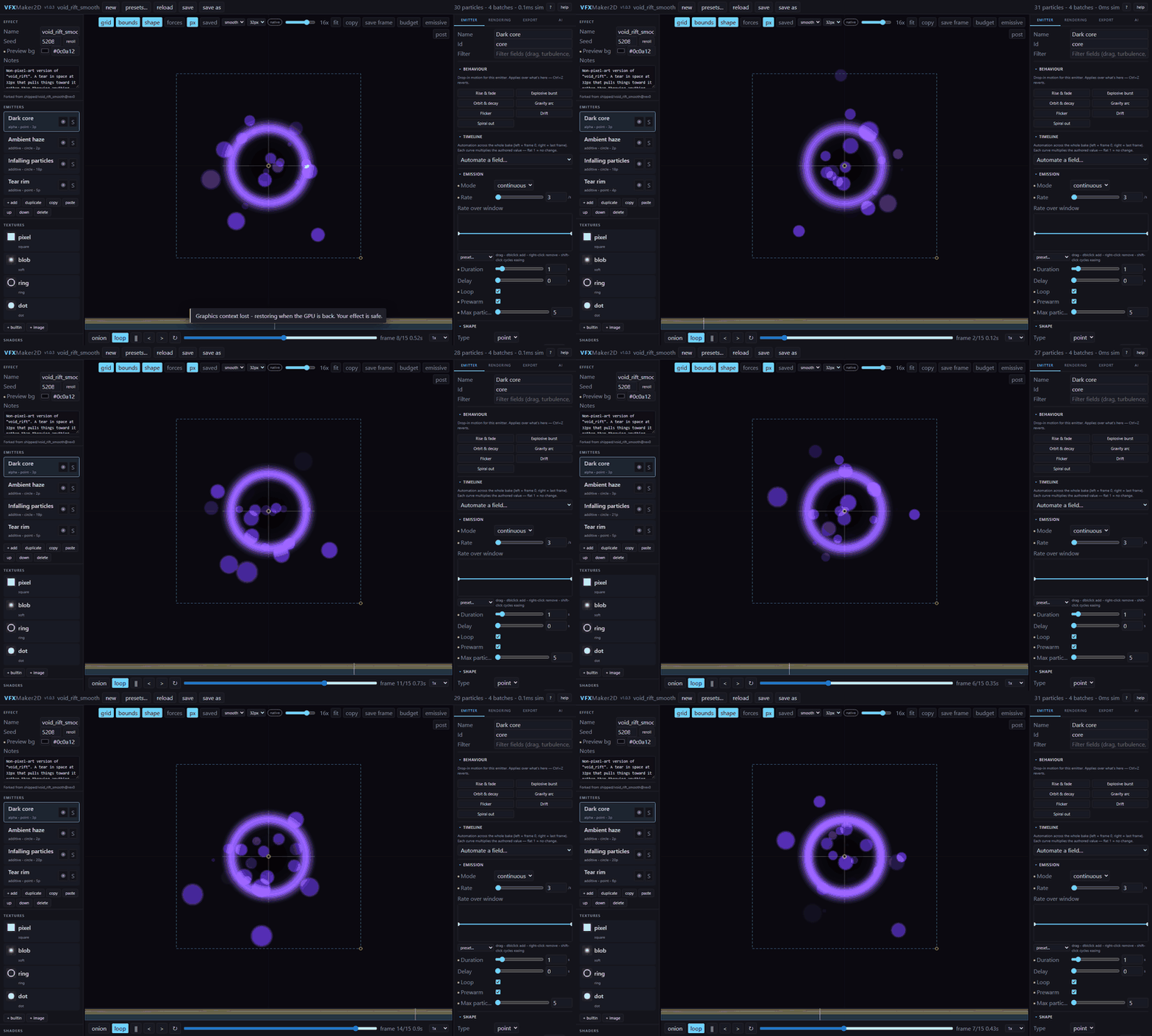
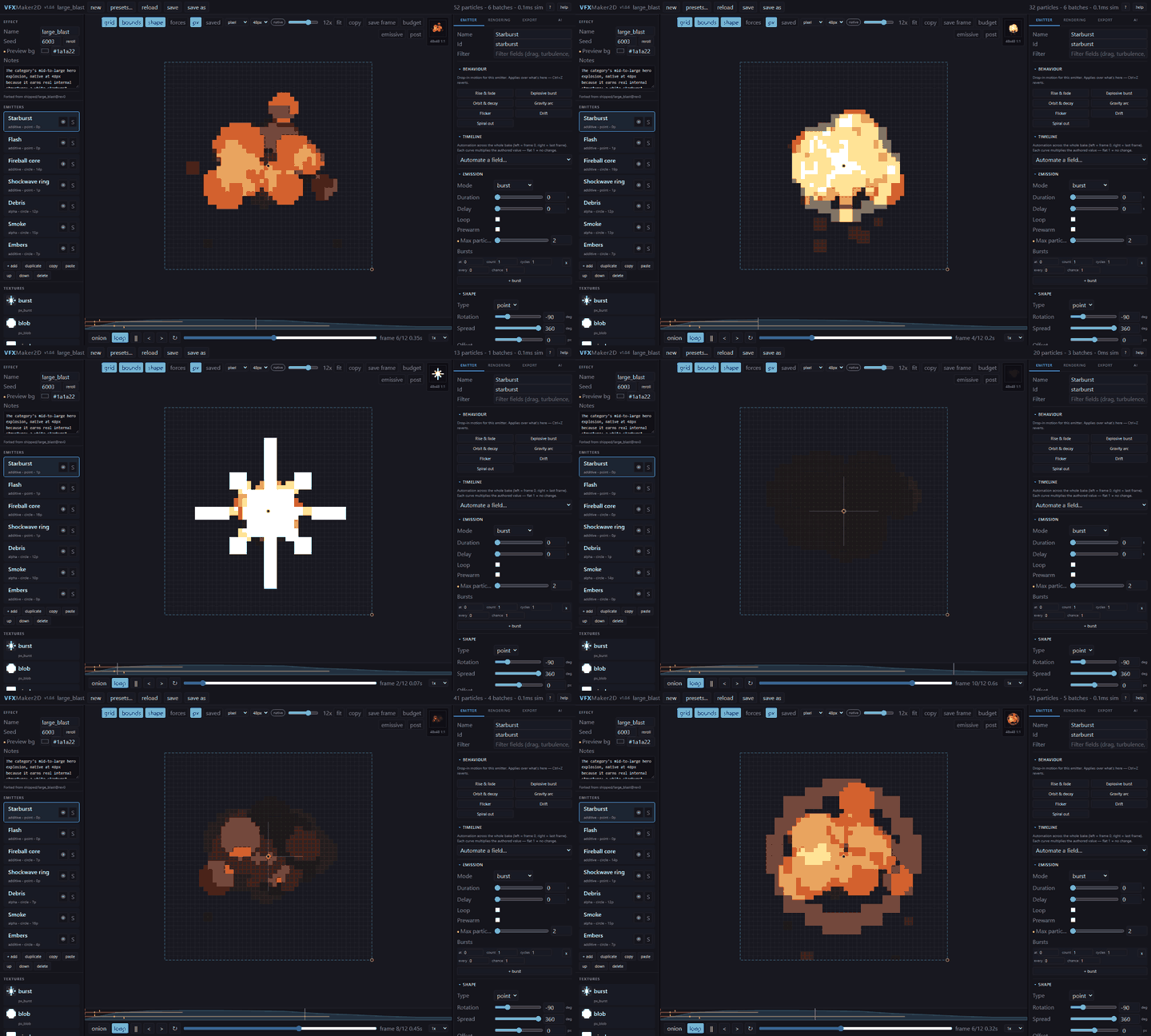
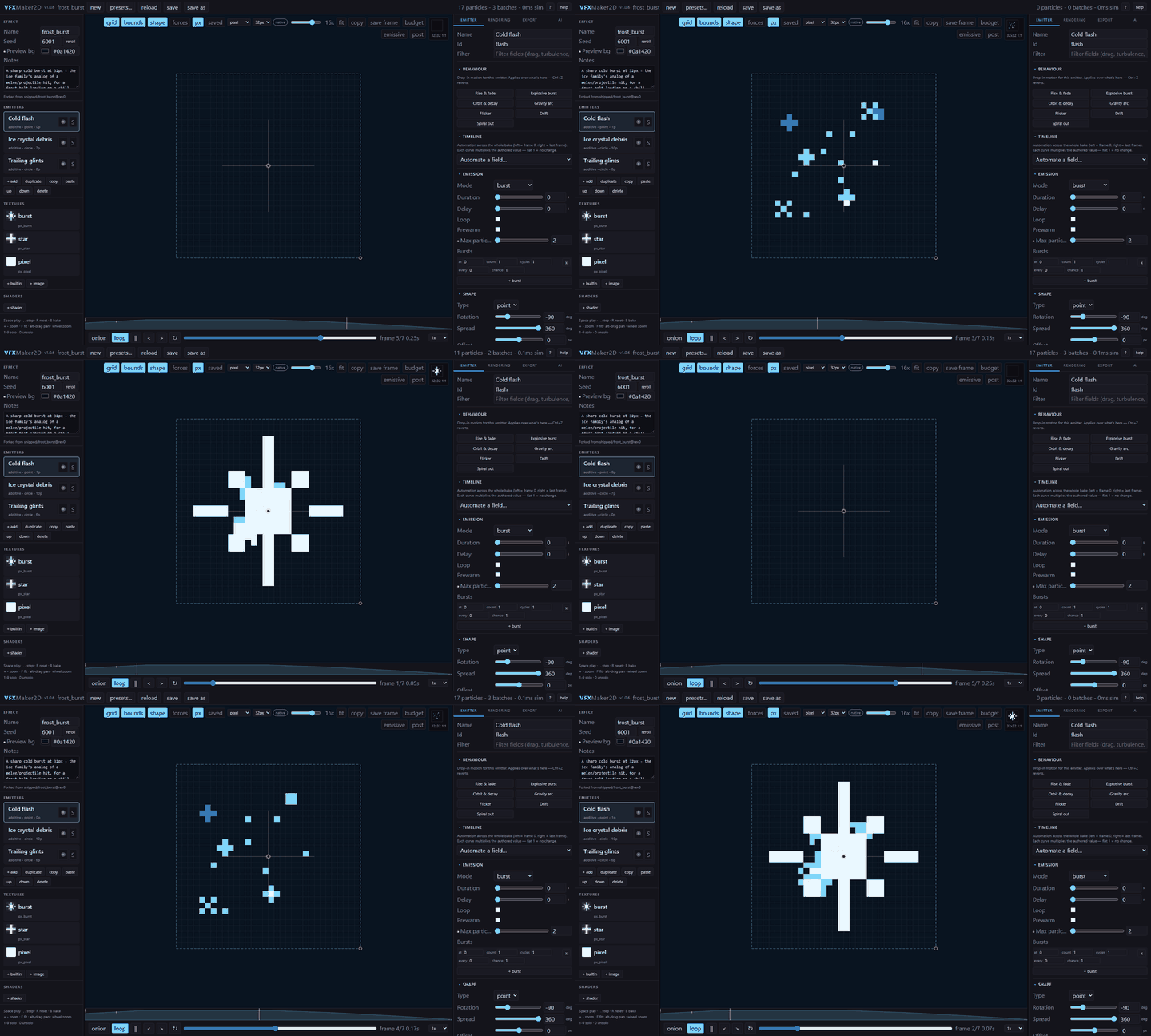
Pixel-art or smooth, your choice. Bake pixel-perfect sprites 1:1 into a fixed-size cell with hard alpha and a fixed palette, or switch to smooth mode for softer effects. Either way you get a ready-to-use sprite sheet, with no manual slicing.
How it works
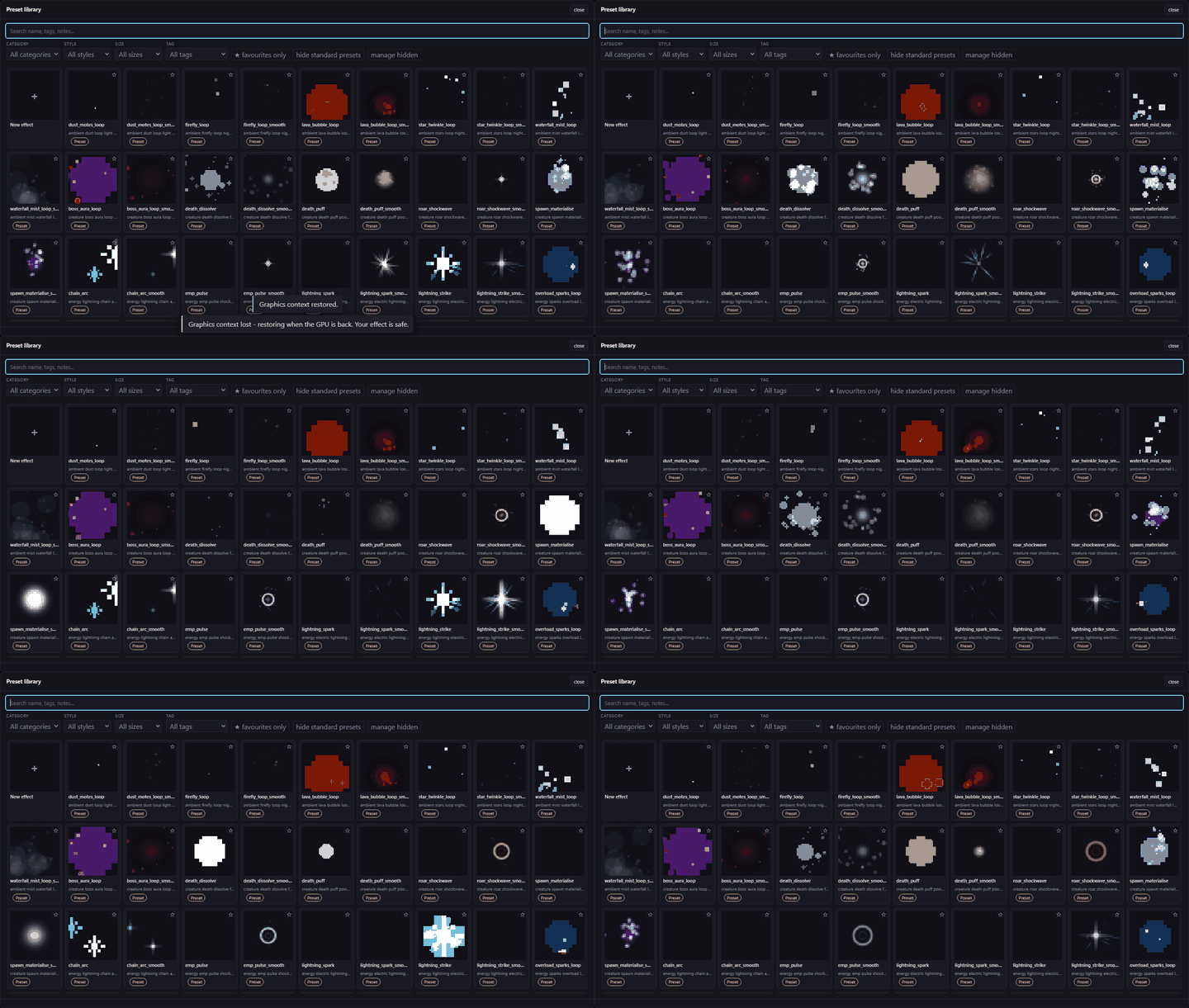
- Start from a preset. 180+ effects: fire, magic, ice, impacts, status effects, ambient and more.
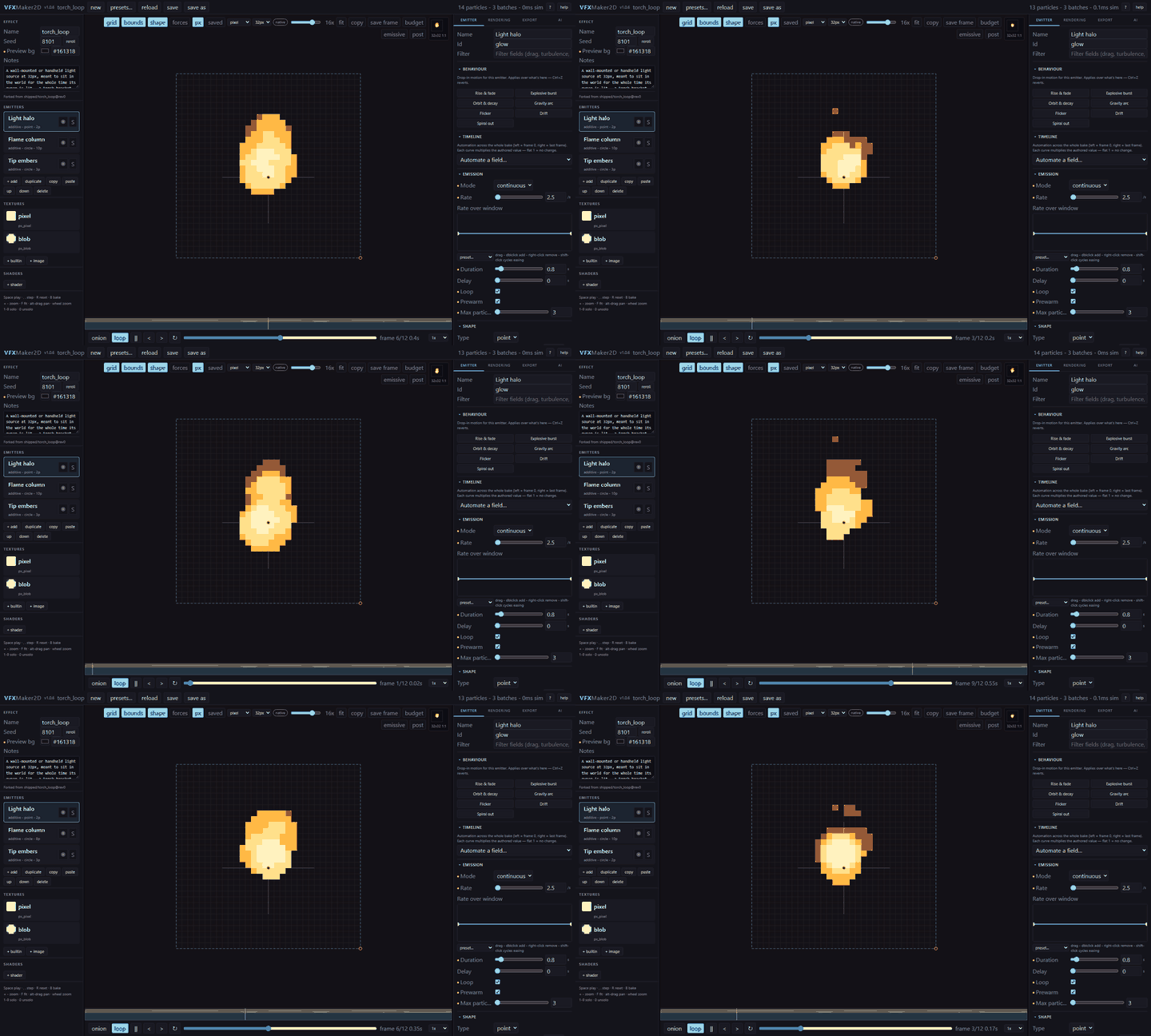
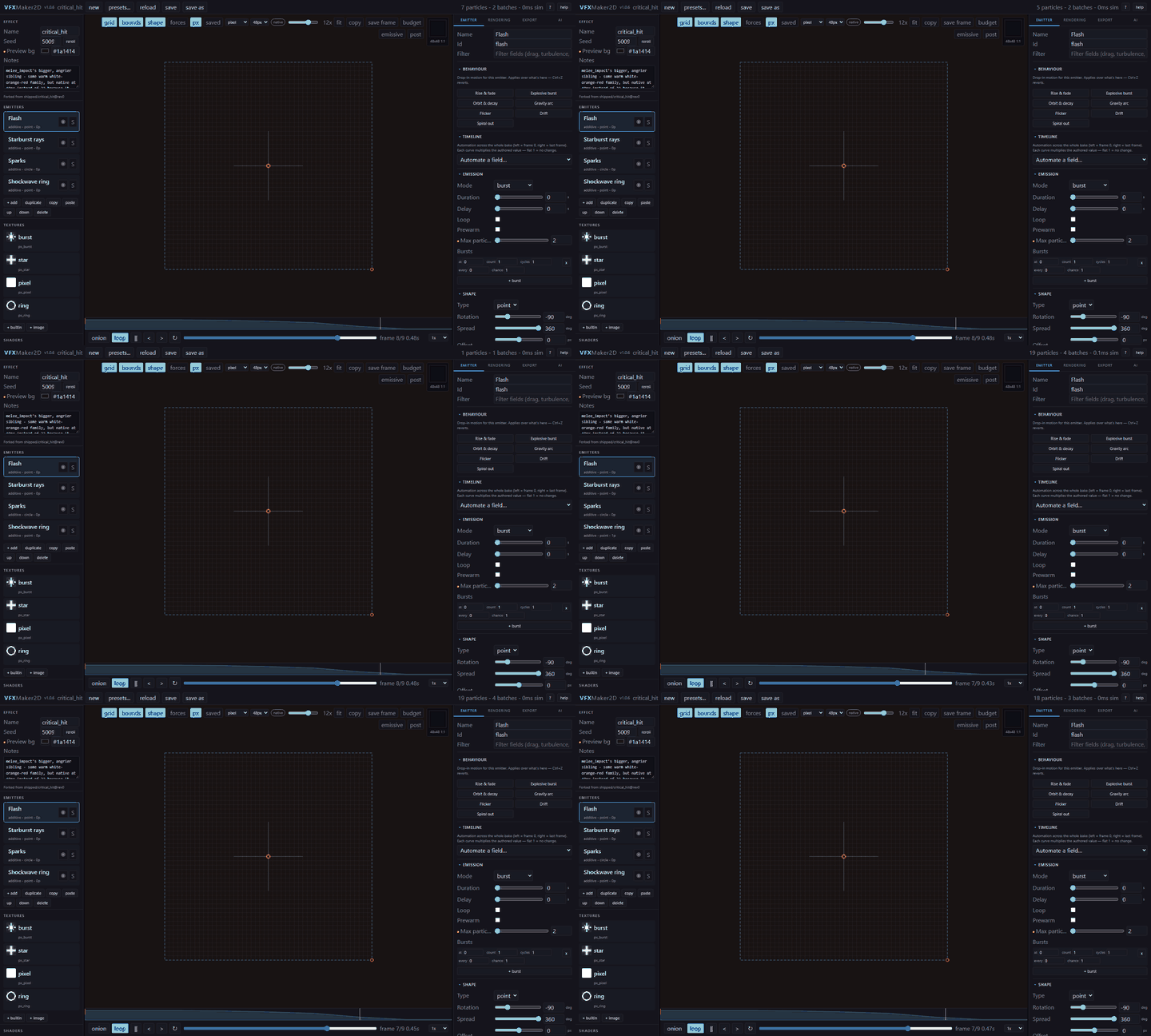
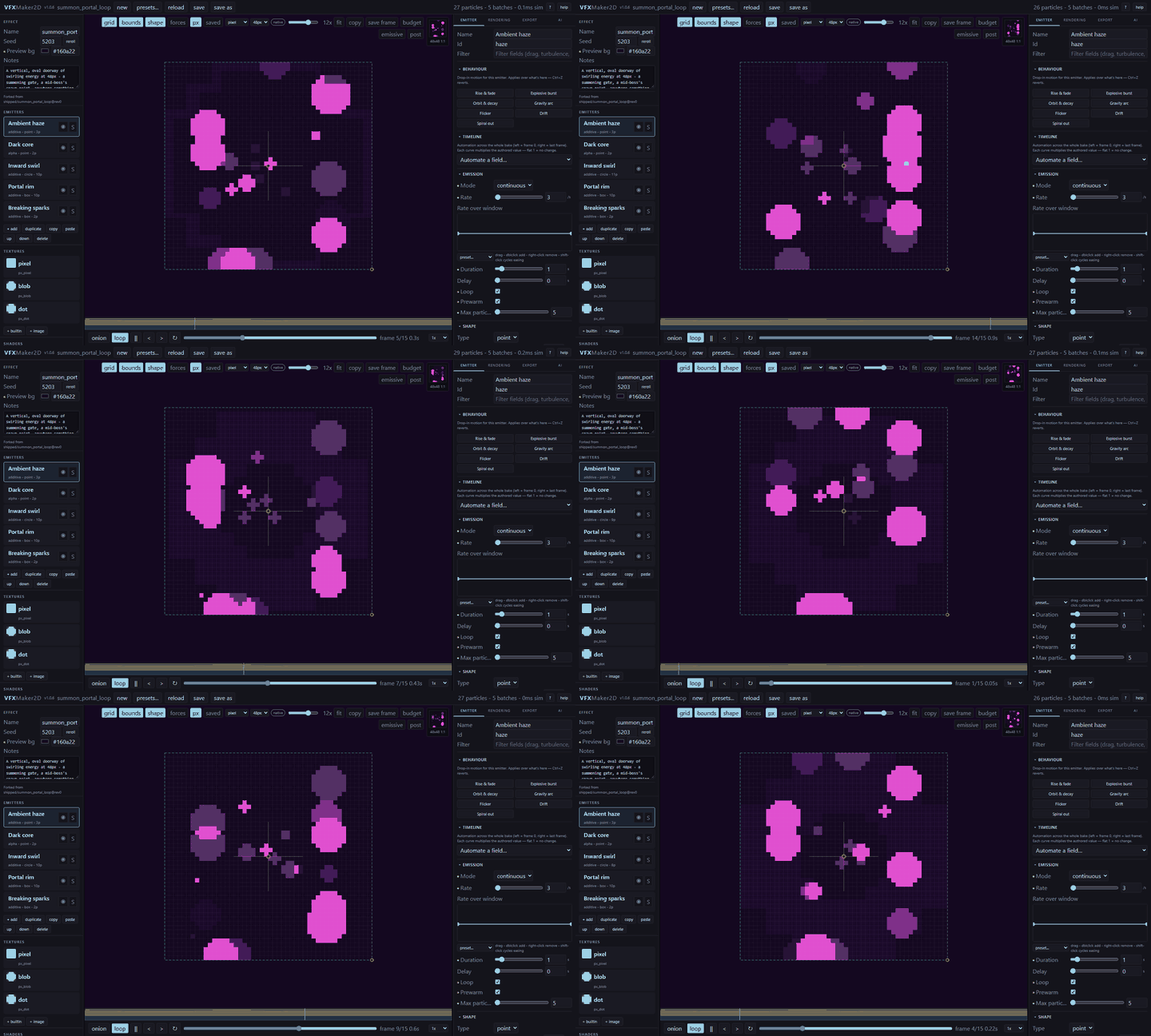
- Tweak it live. Emitters, colors, timing and shape, with a preview that shows the exact baked pixels.
- Export in one click. PNG sprite sheet and JSON every time, plus individual frames, an animated GIF preview or a Godot scene if you want them.
Describe it, get it
Connect Claude Code, Codex or any MCP-capable AI tool and ask, for example: "make a blue ring of fire effect". The effect appears in the editor, ready to tweak and bake. Every AI change shows a diff before it applies, and you can undo it like any manual edit (Ctrl+Z). No API key to manage, and it stays on your machine (loopback only).
Features
- Pixel-art mode (from 24x24 cells up) and smooth mode for softer effects
- Live "px" toggle to preview the exact baked pixels
- 180+ built-in presets, organised by category, ready to tweak
- One Bake button: sprite sheet + JSON, individual frames, GIF preview, Godot scene (AnimatedSprite2D with an embedded SpriteFrames resource), as files or a single zip
- AI editing over MCP, on by default
- Step-by-step in-app tutorials, one click from the Help menu
Who it's for
2D game developers, especially Godot users, who want polished particle effects without hand-drawing every frame or learning a full compositing tool.
FAQ
Does it work without AI? Yes. The AI is optional and everything can be done by hand.
Do I need a Claude account? Only if you want the AI editing. Any MCP-capable AI tool works.
Which engines does it work with? Any engine that reads a PNG sprite sheet. Godot also gets a ready-made scene.
Can I use the exported effects in commercial games? Yes.
System requirements
Windows 10+ or a modern Linux desktop.
Support
Questions, bugs or ideas? Leave a comment below.
Purchase
In order to download this tool you must purchase it at or above the minimum price of $11.25 USD. You will get access to the following files:
Development log
- VFXMaker2D is officially out! 🎉1 day ago
Leave a comment
Log in with itch.io to leave a comment.